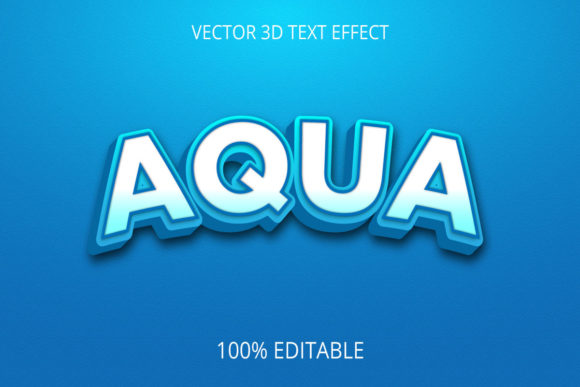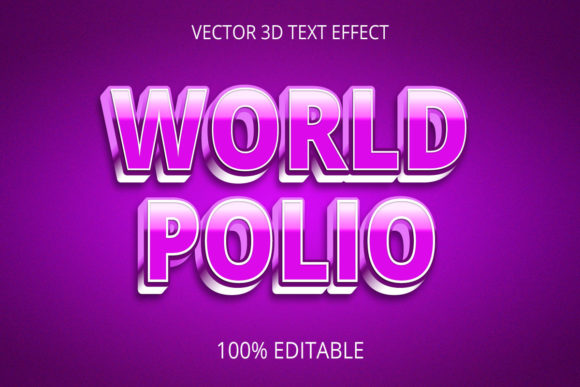
3D Text Effect Creative Design: When Depth Makes Your Message Stand Out
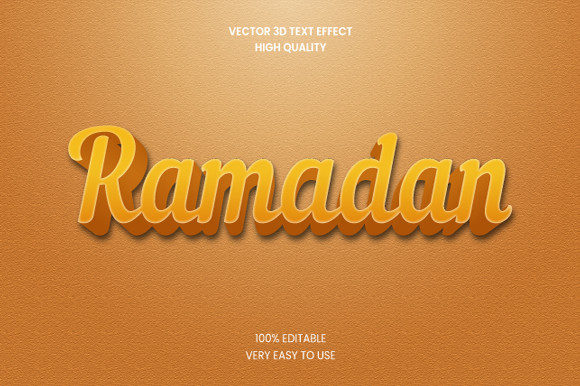
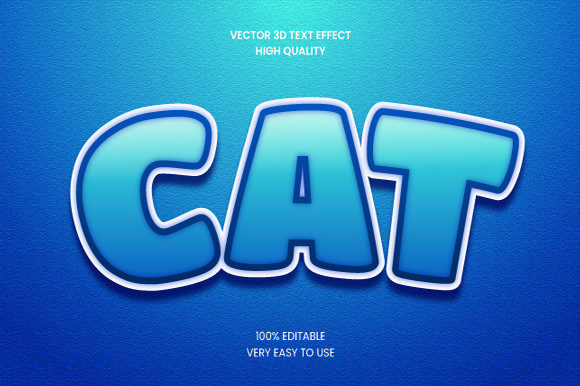
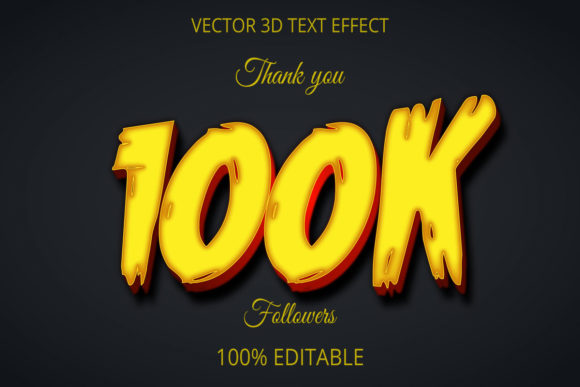
You’ve seen them everywhere—the bold, dimensional headlines in a YouTube intro, the metallic lettering on a product packaging shot, the playful inflated font on a social media story. That’s 3D text effect creative design at work. It’s not just about making words pop off the screen. It’s about adding weight, texture, and personality to something as simple as a word or phrase. Whether you’re a freelancer trying to win a client’s attention or a small business owner updating your website banner, a well-executed 3D text effect can change how people perceive your message.
But here’s the thing—this isn’t about throwing a default extrusion filter on some letters and calling it a day. Good 3D text feels intentional. It matches the mood of your project and the platform where it lives. And when you get it right, people stop scrolling. They read. They remember. Let’s walk through where, when, and why real people are using 3D text effects right now, and how you can make them work for your own projects.
Social Media Content That Actually Stops the Scroll
If you’ve managed a brand’s Instagram account or tried to grow your own TikTok presence, you know that every fraction of a second counts. A flat, standard font blends into the feed. But drop a glowing, beveled 3D text effect on a story announcement or a product teaser, and suddenly you have a visual anchor. I’ve seen creators use simple chrome-style 3D text for product launch countdowns—just one word like “SOON” with a reflective gold finish. It creates anticipation without needing a full graphic.
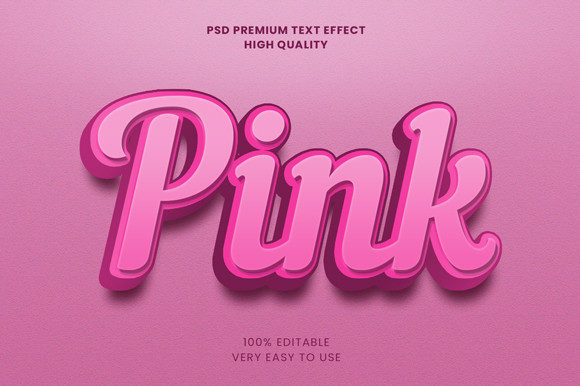
The key here is restraint. You don’t need a full 3D scene. A single headline with a drop shadow, bevel, and a subtle gradient can feel premium. Tools like Canva and Photoshop offer one-click 3D text presets, but the most memorable effects are custom-tuned: matching the lighting direction to your brand colors, choosing a depth that doesn’t distort readability on a small mobile screen. For a food blogger promoting a recipe video, a soft, rounded 3D font in a dessert-like pastel palette (think frosted pink or mint) adds a tactile feel. Users don’t analyze the technique—they just feel hungrier.
Branding Packaging and Product Mockups
Entrepreneurs launching a physical product often face the same problem: how do you convey premium quality on a digital mockup before you even have inventory? 3D text effect creative design can bridge that gap. Imagine a small candle maker who wants to show off a “Limited Edition” label on a jar. Applying a raised, embossed 3D effect to the lettering—complete with a subtle shadow that implies thickness—gives the mockup a sense of tangible luxury.
Same goes for digital products. Course creators and ebook authors use 3D text on their covers to signal authority. A thick, geometric sans-serif with a metallic gradient says “this is worth your money” far more effectively than a plain bold font. I once worked with a freelancer who designed a logo for a coffee subscription service using a deep 3D extrusion that mimicked the weight of a ceramic mug. The client immediately understood the vibe. That’s the real power—not just decoration, but communication through texture.
Website Hero Headers and Landing Pages
It’s tempting to keep website typography flat and clean for readability, and often that’s the right call. But for hero sections—the first thing a visitor sees above the fold—3D text can create a focal point that guides the eye. A tech startup used a massive 3D text effect reading “BUILD FASTER” with a subtle glass-like refraction. It wasn’t a gimmick; the effect matched their core message of transparency and speed. Visitors spent more time on the page because the headline felt like an object, not a label.
Of course, mobile responsiveness is a concern. A 3D text effect that looks stunning on a 27-inch monitor may blur or overlap on a phone screen. The best approach is to design the 3D text at a generous size and test it on multiple devices. Some designers export the effect as a PNG or SVG to preserve the rendering, then use it as a background element behind simpler fallback text on smaller screens. It’s a practical compromise that keeps the creative impact without breaking usability.
Video Intros, Titles, and Motion Graphics
Video editors and motion designers rely on 3D text to add production value without expensive CGI. After Effects and Blender make it possible to create extruded text that rotates, bounces, or glows with realistic lighting. A travel vlogger might use a metallic “MALAYSIA” title that spins into frame, reflecting tropical colors. The 3D effect isn’t just for show—it sets the tone for the video’s energy and gives viewers a visual cue about the destination’s vibe (modern vs. rustic, playful vs. serious).
For corporate video, the stakes are different. A financial services firm explaining a complex product needs credibility first. Here, a clean, thin 3D extrusion with a matte finish and a subtle ambient shadow works better than flashy bevels. The goal is to make the text feel like a physical sign you could touch, not a cartoon. Motion designers often pair 3D text with subtle camera moves (like a slow dolly toward the words) to create depth without chaos. When done right, the viewer feels the text is “there” in the room.
Presentations and Educational Materials
Teachers, trainers, and conference speakers are increasingly using 3D text effects to break up slide monotony. A plain bullet list communicates information, but a single 3D word that appears as a physical object can anchor a key concept. I’ve seen a physics instructor use a 3D “GRAVITY” text that looked carved from stone—just to start a discussion. The effect initiated curiosity before any explanation.
The danger is overdoing it. Every slide with 3D text will feel heavy. The smart approach is to reserve 3D effects for the most important takeaway of a section. Use a consistent style (same light angle, same depth, same material) across the presentation so it feels like a cohesive theme, not a random fireworks show. Export as high-res images to avoid font rendering issues on the projector. And always, always do a contrast check—3D text with a dark shadow can become unreadable against a busy background.
Personal Projects and Hobbyist Creations
Not every use is professional. Hobbyists—casual gamers, digital scrapbookers, or people designing invitations for a friend’s party—use 3D text effect creative design to make something personal feel special. A maker community member designed a “WELCOME” sign for a virtual housewarming using a wooden texture effect. It was never printed; it was displayed in a Zoom background. That’s a real-world scenario: people want their digital spaces to feel warm and personalized, and 3D text helps create that atmosphere without needing physical materials.
Free tools like Blender and online generators (with careful licensing) have lowered the barrier. A teenager making a birthday video for a sibling can learn basic extrusion in an afternoon. The outcome might be rough, but the effort shows. That’s the democratic side of 3D text—it’s not reserved for professional designers. With a bit of patience, anyone can add depth to their words.
What to Consider Before You Dive In
3D text effect creative design isn’t a one-size-fits-all solution. Before you pick a style, think about context. On a printed flyer, heavy extrusion might look muddy if the print quality is low. On a dark-colored website background, a dark 3D text with a soft shadow can vanish. Always test your design in its final environment—download the file, view it on your actual phone screen, hold a printed proof under natural light.
Software choice matters too. Beginners might start with Canva’s 3D text tool, but you’ll run into limited control over lighting and bevel angles. For more nuanced work—like a brushed metal finish or a neon glow with realistic reflection—Photoshop’s 3D features or dedicated apps like Spline or Procreate (for iPad) offer better results. Blender is free and powerful but has a learning curve. Match the tool to your patience and timeline.
File format is often overlooked. If you export a 3D text as a raster image (JPEG/PNG), it won’t scale cleanly for large prints or high-res screens. For web use, save as PNG with transparency. For print, export at 300 DPI or consider a vector-based 3D effect (possible in Illustrator with drop shadows and gradients mimicking depth). And if the text needs to be editable later, keep the source file with layers intact.
Legibility is the single most important metric. No matter how beautiful the 3D effect, if someone squints to read the word, you failed. Maintain enough contrast between the text color and the background. Avoid extreme perspectives that distort letterforms. A small amount of depth (shallow bevel, short extrusion) often works better for body-size text, while large headlines can handle dramatic depth. When in doubt, show it to a friend and ask them what it says before they comment on the design.
Ultimately, 3D text effect creative design isn’t about showing off technical skill. It’s about giving your words a physical presence that matches your intention. Whether you’re building a brand, teaching a class, or just making a personal video, a thoughtful 3D treatment can turn a line of text into a memorable moment. Start simple, test early, and let the depth serve the message—not the other way around.