Mastering Fluid 3D Abstract Backgrounds for Practical Creative Workflows
In recent years, fluid 3D abstract backgrounds have moved from niche experimental visuals to a staple in modern design and content production. These backgrounds combine organic, flowing shapes with three-dimensional depth, creating a sense of movement and atmosphere without overwhelming the main content. Whether you are a marketer preparing a video ad, a blogger designing a landing page, or an educator creating a presentation, understanding how to integrate fluid 3D abstract backgrounds effectively can significantly streamline your workflow and elevate the final output.
This article focuses on the practical side of using these visuals. We will explore what fluid 3D abstract backgrounds are, how they interact with your existing tools and assets, and how to plan for their use before, during, and after a project. The goal is to give you a clear, actionable framework so that you can incorporate these backgrounds confidently and efficiently.
What Defines a Fluid 3D Abstract Background?
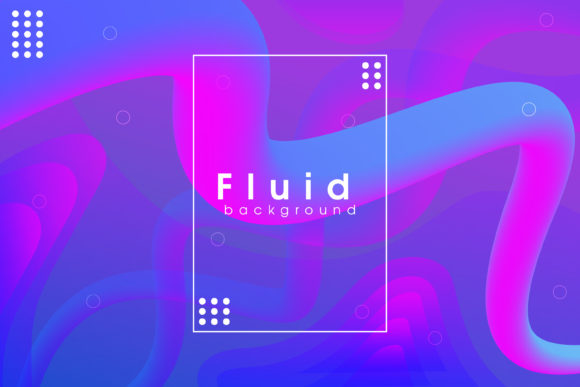
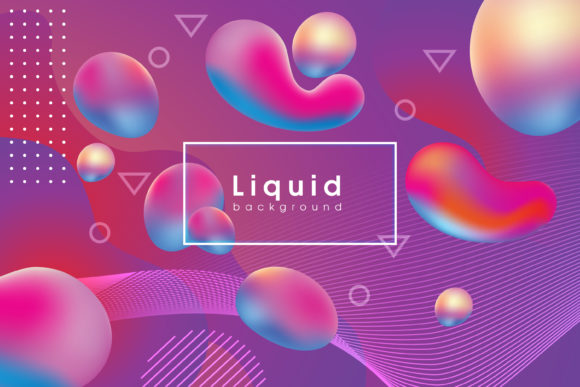
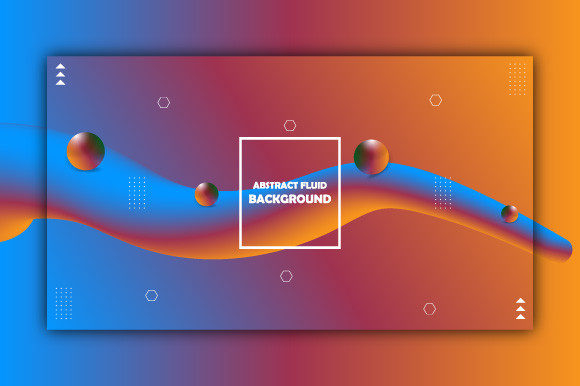
A fluid 3D abstract background is a digital visual composed of simulated liquid-like forms, soft gradients, and three-dimensional geometry. Unlike static flat backgrounds, these visuals often include subtle animation or parallax effects. They can be rendered in real time or exported as video loops, image sequences, or still frames. Common characteristics include:
- Organic motion: Shapes that stretch, swirl, and blend as if made of liquid or smoke.
- Depth and light: 3D rendering techniques give the image spatial depth with highlights, shadows, and volumetric effects.
- Abstract forms: No recognizable objects, allowing the background to stay out of the way of foreground content.
These backgrounds are not just decorative; they serve a functional role. They can create mood, convey brand energy, or simply make a page feel less flat. When used correctly, they support the message without competing with it.
Define the Purpose and Context
Before you even open your editing software, decide where the fluid 3D abstract background will appear. A background intended for a product hero section on a website has different requirements than one used in a conference room presentation or a social media reel. Ask yourself: Will text or graphics overlay this background? What is the dominant color palette of the surrounding content? How long will the background be visible? These questions will guide your choice of style, resolution, and animation length.
Select the Right Source
Fluid 3D abstract backgrounds can be created from scratch using tools like Blender, Cinema 4D, or Houdini, or they can be sourced from stock libraries. If you are a solo creator on a tight deadline, a high-quality stock loop may be more practical. If you need full control over behavior and colors, procedural generation with software like After Effects or TouchDesigner allows you to tweak parameters. Consider the learning curve: a pre-rendered loop saves time but limits customization. A procedural setup requires upfront investment but pays off in flexibility for multiple projects.
Prepare Your Assets for Integration
Once you have your background, check its resolution and aspect ratio. Most fluid backgrounds are rendered in 16:9 or 4:3, but you may need 9:16 for vertical video or 1:1 for social posts. If you are using a loop, verify that the start and end frames blend seamlessly. Also consider file format: MP4 or WebM for video, PNG or TIFF sequences if you need transparency. For still images, a high-resolution PNG with embedded color profile ensures consistent display across devices.
Placing the Background in a Video Project
When editing video, drop the fluid 3D abstract background onto the lowest video track. Adjust its opacity if you want it to sit behind semi-transparent overlays. If the background contains fast motion, be mindful of how it interacts with crossfades or transitions. For example, a swirling background may clash with a hard cut, but it can pair well with a slow dissolve. Use adjustment layers to apply a subtle blur or color grade to the background, making it recede visually while keeping the foreground crisp.
Using the Background in a Website or Presentation
For web use, consider performance. A fluid 3D abstract background that is rendered as a video might be heavy. Use lazy loading and compress the file without sacrificing quality. Alternatively, use a CSS or Canvas-based fluid simulation – but that introduces a different level of complexity. In a presentation tool like PowerPoint or Keynote, import the video and set it to play automatically. Ensure that the background does not distract from bullet points or key data. A simple trick: lower the saturation of the background during text-heavy slides, then increase vibrancy during transition slides.
Combining with Text and Logos
Legibility is paramount. Fluid 3D abstract backgrounds often contain bright highlights and dark shadows that can obscure white or black text. Place a semi-transparent overlay between the background and your text – a dark gradient at the bottom, a light scrim, or a blurred rectangular block. You can also use a drop shadow or text stroke to create separation. Test your combination on different screen sizes and brightness settings. A background that looks fine on a calibrated monitor might wash out on a mobile screen.
Check for Visual Consistency
After integrating the background, review the entire project with fresh eyes. Does the background feel consistent throughout? If you used multiple clips of fluid 3D abstract backgrounds, ensure that the color temperature and motion speed match. A sudden change from cool blue slow waves to warm orange fast turbulence can break the user’s immersion. If necessary, adjust the speed or tint of one clip to align with the others.
Optimize for Different Platforms
You may need to export the same project for different platforms. A fluid 3D abstract background that looks stunning in 4K for a conference display might need to be downscaled and compressed for a social media post. Use dedicated export presets for each platform. For video, pay attention to the bitrate – too low, and the fluid motion will become blocky; too high, and the file will be excessively large. For images, use progressive JPEG or WebP to balance quality and load time.
Archive and Tag Your Work
When a project is finished, save your fluid 3D abstract background source files along with the final projects. Create a naming convention that includes the dominant colors, motion style (e.g., “slow_spiral_teal_peach”), and resolution. Over time, you will build a library. Reusing past backgrounds is efficient, but only if you can find them easily. Consider using a digital asset manager or a simple spreadsheet to keep track of file locations and usage rights.
Building a Reusable Library
Instead of searching for a new fluid background for every project, curate a library of 10–20 versatile loops. Include a few neutral options (soft grays, pale blues) for corporate work, some vibrant ones for marketing, and some dark, moody ones for video intros or event backgrounds. Categorize by color hue, motion intensity, and primary use case. This library will become one of your go-to resources, saving hours of sourcing time.
Developing Templates
Create a few template projects in your main editing software that already include a fluid 3D abstract background track, placeholder text, and logo positioning. When a new project requires a similar feel, you can swap the background loop and adjust colors. This approach is especially useful for bloggers who produce weekly video content or marketers who run recurring social campaigns. The template acts as a starting point, ensuring consistency while leaving room for customization.
Staying Open to New Tools
The tools for generating fluid 3D abstract backgrounds are evolving. Procedural generation using noise algorithms, GPU-accelerated particle systems, and AI-based style transfers are becoming more accessible. Keep an eye on these developments – they may allow you to create custom backgrounds in real time, without the need for high-end rendering. Experiment with free trials and open-source software to find what fits your technical comfort and project demands.
Practical Considerations for Quality and Consistency
- Color management: Calibrate your monitor and use consistent color profiles so that the background renders as intended across devices.
- Motion speed: Faster motion works well for short, energetic clips; slower motion suits longer scenes where the background stays on screen.
- Seamless loops: Verify that your loop has no visible jump. A broken loop will be immediately noticeable in a presentation or background video.
- Overlay interaction: If you add particles or light leaks on top of the background, keep them subtle to avoid visual clutter.
- Accessibility: For web content, ensure that users with motion sensitivity have the option to reduce motion or use a static fallback.
Testing with Real Content
Before finalizing any project that uses a fluid 3D abstract background, test it with the actual content it will accompany. A background that looks perfect alone might feel distracting when paired with dense text or fast-paced video cuts. Ask a colleague to watch the project and give feedback on whether the background supports or detracts from the main message. Fresh eyes often catch issues you have grown accustomed to.
Conclusion: Integrating Fluidity Into Your Process
Fluid 3D abstract backgrounds are more than a trend – they are a practical tool for adding depth, movement, and atmosphere to digital content. The key to using them well lies not in the complexity of the visual, but in how thoughtfully you plan for their integration. By selecting the right source, preparing your assets, integrating with care, and maintaining a reusable library, you can incorporate these backgrounds smoothly into your professional workflow. Whether you are designing for a brand, educating an audience, or building a personal project, a well-chosen fluid background can make your work feel polished and intentional without dominating the scene.
Remember to keep performance, legibility, and consistency top of mind. When used with discipline, fluid 3D abstract backgrounds become a reliable part of your creative toolkit – not just a decorative afterthought, but a strategic component that enhances communication.