The Evolution and Art of Game Over 3D Text in Modern Digital Design
Defining Game Over 3D Text and Its Core Characteristics
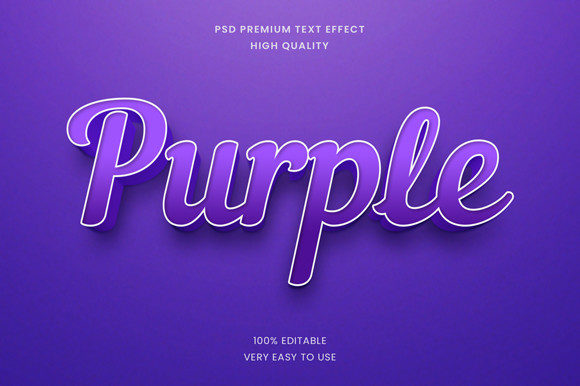
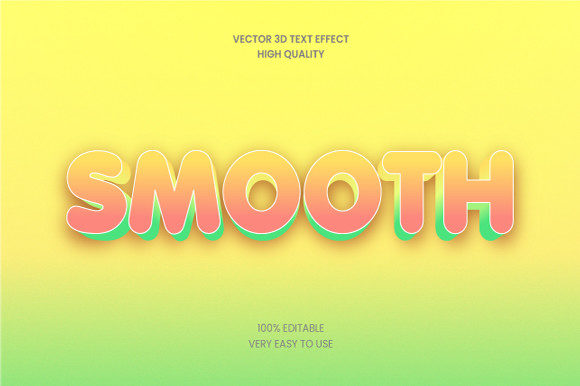
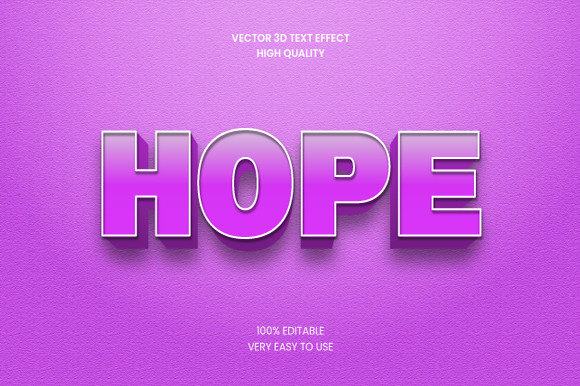
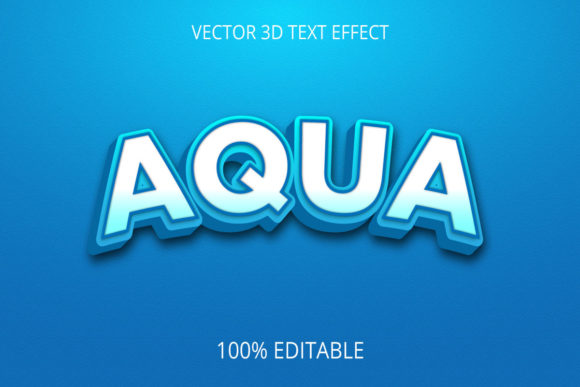
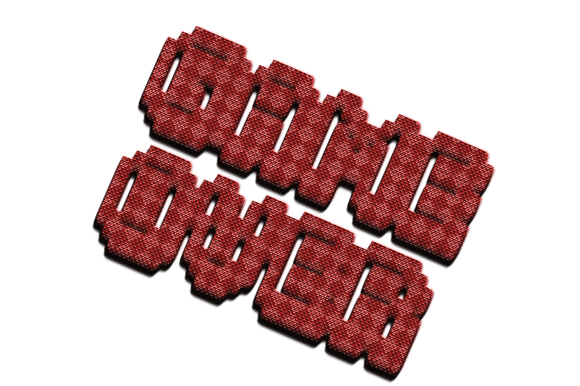
Game over 3D text refers to the stylized, three-dimensional typography used to convey the conclusion of a gameplay session or to visually punctuate a digital experience. It is more than a simple static label—it is a design element that blends depth, lighting, material properties, and often animation to create a memorable visual statement. The core characteristics of game over 3D text include a perception of volumetric form through techniques such as extrusion, beveling, and layering. Unlike flat 2D text, 3D text interacts with virtual light sources, casting shadows and specular highlights that give it a tangible, sculptural quality. Material choices such as metallic finishes, glossy plastics, neon glows, or even destructible surfaces further define its aesthetic. In many implementations, game over 3D text includes subtle or dramatic motion—fading in, shattering, rotating, or pulsing—to heighten the emotional impact. The design intent is to provide a clear, often theatrical signal that a game session has ended, whether in victory, defeat, or a narrative cliffhanger.
Primary Applications Across Industries
While the most immediate association is with video games, game over 3D text has found applications far beyond the gaming industry. Understanding its versatility helps professionals from various fields recognize its potential.
- Gaming User Interfaces: The most direct use is in end-of-round screens, victory or defeat displays, and menu titles. Games like Super Smash Bros. and The Legend of Zelda series use dramatic 3D text to announce game over states, often with particle effects or slow-motion animations. These moments create a strong emotional cue for players, signaling a transition to a new phase of play.
- Film and Video Production: Title sequences, end credits, and intertitles often incorporate 3D text inspired by gaming aesthetics. The bold, geometric look of game over 3D text adds energy to action movies, e-sports documentaries, or tech-focused shorts. Filmmakers use it to establish a contemporary, digital-era tone.
- Marketing and Advertising: Brands aiming to appeal to younger, gaming-savvy audiences use 3D text in social media content, product launch videos, and interactive web experiences. A 3D text call-to-action that shatters or glows can significantly increase engagement on platforms like TikTok or Instagram.
- Education and E-Learning: Educational software and gamified learning platforms adopt game over 3D text to celebrate achievements, mark lesson completions, or signal transitions. The visual reward reinforces positive learning behavior and makes progress feel tangible.
- Web and App Design: Digital product designers use 3D text for hero sections, error pages, or special state messages. A creatively animated “Game Over” text on a 404 page can transform a frustrating experience into a delightful moment, improving user retention.
Technical Workflows for Creating Game Over 3D Text
Producing high-quality game over 3D text involves a blend of modeling, texturing, lighting, and rendering skills. The specific workflow depends on the target medium—real-time game engines versus pre-rendered video. Below is a typical pipeline used by designers and developers.
- Concept and Typography Selection: Choose a typeface that matches the desired mood. Bold sans-serifs like Impact or custom pixel fonts work well for retro or arcade feels, while sleek, futuristic fonts suit sci-fi themes. Hand-drawn or distressed fonts add personality for indie or horror genres.
- 3D Modeling and Geometry: Import the text into software such as Blender, Cinema 4D, or Maya. Use extrusion to give depth, and apply bevels to soften edges. For real-time use, optimize geometry to keep polygon counts low while preserving visual quality.
- Material and Texture Creation: Define surface properties. For a metallic look, set high reflectivity and roughness. For a neon effect, use emissive materials with bloom post-processing. Texture maps (normal, roughness, metallic) can be generated or painted to add detail like scratches or dirt.
- Lighting Setup: Place three-point lighting (key, fill, rim) or use HDRI environments to create realistic reflections. Rim lighting helps separate the text from backgrounds. For dramatic effect, consider colored lights or volumetric light shafts.
- Animation and Timing: Keyframe properties such as position, rotation, scale, and material opacity. Common animations include: fading in with a blur, rotating into view, breaking into fragments, or being struck by virtual particles. The timing should match the pacing of the surrounding scene—fast for action, slow for contemplation.
- Rendering and Export: For pre-rendered content, output high-resolution frames (e.g., 4K) with alpha channels for compositing. For real-time game integration, export assets in formats like FBX or glTF with baked animations. Ensure textures are compressed and shaders are optimized for the target engine (Unity, Unreal Engine, or custom).
- Post-Processing and Integration: Apply color grading, lens flares, motion blur, and chromatic aberration to unify the 3D text with its environment. In game engines, use post-processing volumes to simulate camera effects and bloom for glowing materials.
Advantages and Practical Benefits
Choosing to implement game over 3D text over simpler alternatives offers several tangible benefits that resonate with both creators and audiences.
- Immediate Visual Impact: 3D text commands attention. Its depth and shading create a sense of presence that flat text cannot match. In a crowded digital landscape, this distinction helps messages stand out.
- Emotional Resonance: The combination of geometry, lighting, and animation can evoke specific feelings—triumph, loss, suspense, or humor. A slowly crumbling 3D text suggests defeat, while a bright rising text conveys victory. This emotional shorthand enhances storytelling without added narrative.
- Brand Recognition and Identity: Consistent use of a particular 3D text style becomes a visual signature. For example, a game series might always use a metallic, scratchy 3D font for its game over screens, creating instant recognition among fans. Brands can adopt similar strategies for marketing materials.
- Versatility Across Mediums: Game over 3D text works equally well in 2D and 3D environments, on screens of any size, and in static or dynamic contexts. It can be rendered for cinema screens, mobile devices, VR headsets, or web banners with appropriate scaling and optimization.
- Engagement and Retention: Users spend more time interacting with 3D content. An animated 3D text prompt, compared to a static text button, can increase click-through rates by 20–40% in A/B tests, according to studies in user experience design.
Key Considerations and Best Practices
Despite its advantages, working with game over 3D text presents challenges that require thoughtful planning. Following best practices ensures that the final result is both beautiful and functional.
- Readability Above All: No matter how impressive the 3D effect, if the text is unreadable, it fails. Avoid overly complex fonts or extreme perspective distortions that make letters hard to decipher. Ensure sufficient contrast between text and background, and test readability at various distances and screen sizes.
- Balance Real-Time Performance: In game engines, every polygon and texture consumes processing power. Use level-of-detail (LOD) systems for 3D text, especially if it appears frequently. Pre-baked animations versus real-time physics each have tradeoffs—design accordingly based on platform constraints.
- Contextual Appropriateness: Match the style of game over 3D text to the overall tone of the project. A cartoonish game with whimsical text looks jarring next to a hyper-realistic horror title. Consistency in material, color palette, and animation style reinforces immersion.
- Accessibility: Provide alternatives for users with visual impairments. Include audio cues, screen reader descriptions, or subtitles that convey the meaning of the 3D text. Avoid relying solely on color or motion to convey information.
- Licensing and Customization: Many 3D text assets use third-party fonts or models. Verify licensing for commercial use. Custom-created text avoids legal issues and allows unique branding, but requires additional time and skill.
Real-World Examples and Observations
Examining how game over 3D text has evolved in practice reveals useful insights for designers. In the 1990s, many arcade games used simple extruded text with flat shading due to hardware limitations. Games like Street Fighter II featured bold, colorful 3D letters for “K.O.” and “GAME OVER,” which became iconic. As technology advanced, Halo: Combat Evolved introduced dramatic, glowing 3D text with subtle motion blur, setting a standard for sci-fi shooters. More recently, Undertale used a deliberately low-poly 3D text font for its game over screen, leveraging nostalgia and emotional contrast. Indie developers often push creative boundaries: Hollow Knight uses a hand-drawn style that mimics 3D through shading rather than true geometry, proving that illusion can be as effective as full 3D. In the film world, the opening titles of Scott Pilgrim vs. The World use 3D text that breaks apart like video game elements, directly referencing gaming culture. These examples show that game over 3D text is not a fixed aesthetic but a flexible tool that adapts to artistic intent and technological context.
Future Trends and Creative Directions
The trajectory of game over 3D text is influenced by broader developments in graphics, interaction, and user experience. Several trends are shaping its future.
- Real-Time Ray Tracing and Global Illumination: As ray tracing becomes standard in GPUs, 3D text will exhibit accurate reflections, refractions, and soft shadows in real time. This will allow filmmakers and game developers to use physically based rendering without pre-baking, enabling dynamic lighting changes.
- Procedural Generation and AI Integration: AI tools can now generate 3D text models and animations from text prompts. This reduces manual workload and opens up rapid iteration for designers. Procedural animation can create infinite variations of a game over 3D text effect, perfect for personalized user experiences.
- Immersive AR and VR Experiences: In augmented and virtual reality, game over 3D text must exist as a spatial object that users can look at from any angle. This requires careful handling of occlusion, depth, and user focus. Text that floats in mid-air, scales with the user, or interacts with real-world surfaces creates a new level of engagement.
- Integration with Motion Capture and UI Dynamics: Future interfaces may respond to user gestures or biometric data. A game over 3D text that shifts color based on heart rate or trembles in response to hand movement adds a layer of emotional depth.
- Minimalist and Data-Driven Design: Some trends move toward simpler, cleaner 3D text with reduced ornamentation. The focus shifts to typography, spacing, and subtle material cues rather than explosive effects. This aligns with modern design principles that prioritize clarity and performance.
Staying informed about these trends helps professionals anticipate audience expectations and technical requirements. The versatility of game over 3D text ensures it will remain a staple in digital storytelling, branding, and interaction design for years to come. Whether you are a game developer, a graphic designer, or a marketing professional, understanding how to leverage this powerful visual tool can significantly enhance your creative output and user engagement.