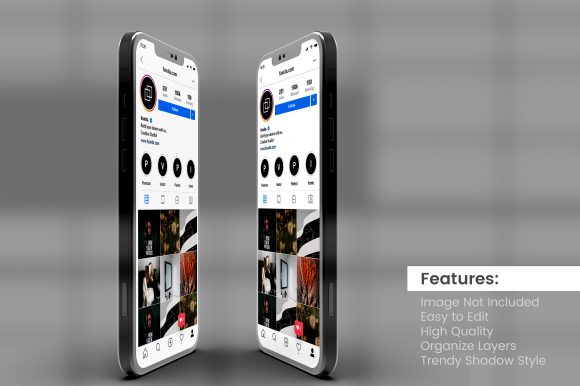
Using a Social Media Post with Smartphone Mockup to Refine Your Visual Strategy
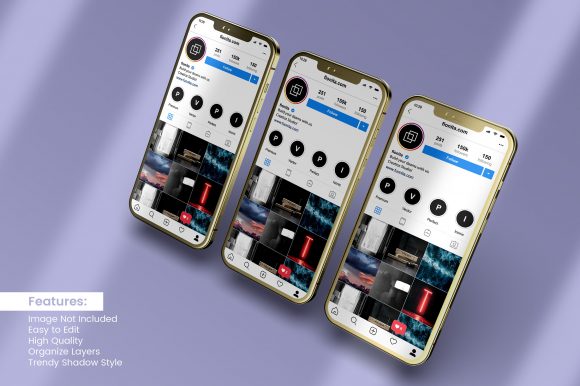
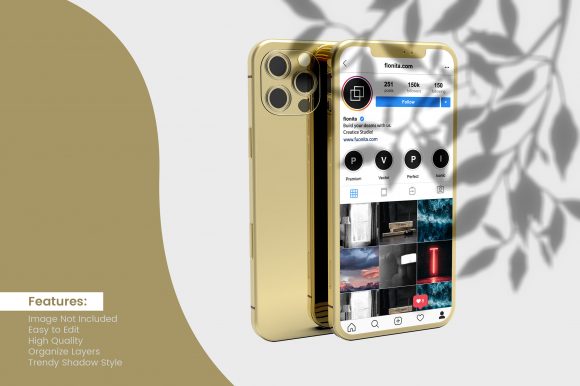
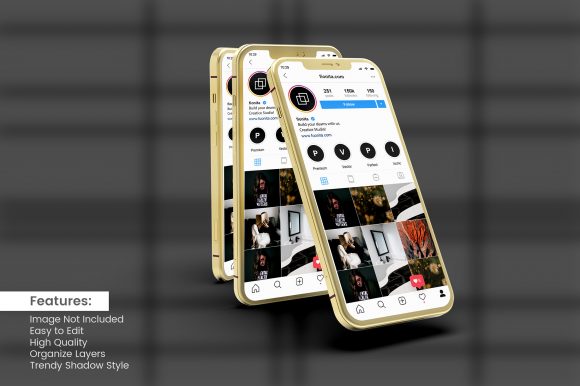
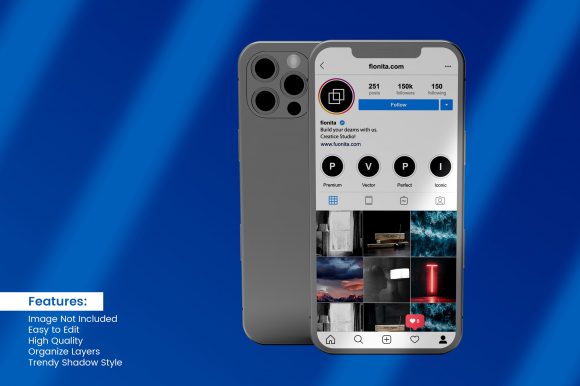
A social media post with smartphone mockup is more than a polished preview. It is a decision-making tool that helps you evaluate how content will appear in the environment where your audience actually engages with it. For entrepreneurs, marketers, creators, and small business owners, the difference between a design that looks good on a desktop monitor and one that performs on a mobile feed can be significant. Presenting your work inside a realistic smartphone frame forces you to confront how scale, cropping, text legibility, and visual hierarchy translate to a smaller screen. This shift in perspective can improve your planning, reduce guesswork, and lead to more intentional content decisions.
Understanding the Role of a Mockup in Social Media Planning
When you place a social media post inside a smartphone mockup, you are simulating the viewing experience of your audience. Most social platforms are consumed primarily on mobile devices. A design that appears balanced on a wide screen may lose clarity when compressed into a vertical feed. Using a mockup gives you the chance to see how your post behaves in its natural habitat before you publish. This is not about making the design look attractive for a portfolio. It is about testing whether your message survives the transition to a mobile-first environment.
From a planning perspective, the mockup acts as a checkpoint. You can evaluate font sizes, button placements, image focal points, and call-to-action visibility. If something feels crowded or unclear inside the frame, you have time to adjust. This approach turns a simple visual presentation into a practical review process that supports better outcomes.
Why Context and Presentation Matter for Decision-Making
Decisions about content are often made in isolation. You design a graphic, write the caption, and schedule the post. But the visual context of how the post appears inside a feed or story is easy to overlook. A social media post with smartphone mockup brings that context back into the room. When you see your content inside a realistic frame, you shift from thinking about the design as an object to thinking about it as part of someone's daily scrolling experience.
This contextual awareness supports more thoughtful decision-making. You begin to ask better questions. Will the text be readable at a glance? Does the image draw attention without overwhelming the message? Does the post feel consistent with the rest of your feed? These are not aesthetic questions alone. They are strategic questions that affect engagement, recognition, and long-term brand perception.
For professionals who manage multiple accounts or collaborate with teams, the mockup also becomes a communication tool. Instead of describing how a post should look, you can share a visual reference that aligns expectations. This reduces back-and-forth and helps everyone stay focused on the experience of the audience rather than the preferences of the designer.
Practical Applications for Entrepreneurs and Creators
Entrepreneurs and creators can use a social media post with smartphone mockup in several practical ways. One common use case is content review before publishing. Instead of approving a design based on a flat file, you review it inside a mockup that mirrors the platform environment. This catches issues early. A headline that looked fine in a design tool may feel too long when placed inside a story mockup. A product image that seemed prominent may lose impact when scaled down in a feed preview.
Another application is client presentations. If you create content for others, showing your work inside a smartphone mockup adds professionalism and clarity. The client sees exactly what their audience will see. This builds trust and reduces the chance of revisions later. It also positions you as someone who understands how content performs in the wild, not just on a canvas.
For educators and trainers, the mockup can serve as a teaching aid. When explaining best practices for mobile-friendly content, a visual example inside a frame makes abstract principles concrete. Learners can see the difference between a cluttered layout and a clean one, or between a readable font size and one that demands a zoom.
How to Approach the Design and Selection of a Mockup
Not all mockups serve the same purpose. When choosing a social media post with smartphone mockup, consider the platform and format you are targeting. A mockup for an Instagram story will differ from one for a LinkedIn feed post. The aspect ratio, resolution, and surrounding elements matter. A good mockup includes enough of the phone body to provide context without distracting from the content. The frame should feel natural, not decorative.
You can create mockups directly within design tools, use dedicated mockup templates, or generate them through online tools. The method matters less than the intention. The goal is to simulate the viewing experience honestly. Avoid adding excessive shadows, reflections, or stylized backgrounds that alter how the content reads. Keep the presentation clean so your attention remains on the post itself.
It is also worth considering how the mockup will be used. If you are sharing it with a client or team, you may want a version that clearly shows the post without additional branding. If you are using it for your own review, a simple frame is enough. The value is in the constraint it provides, not in how impressive the mockup looks on its own.
Strategic Considerations Before You Commit to a Visual
Before you rely on a social media post with smartphone mockup as a final confirmation, take a moment to consider the limits of the simulation. A mockup shows you one angle, one device size, and one viewing condition. Real-world usage includes variable screen brightness, different phone models, and the distractions of an actual feed. The mockup is a helpful proxy, but it is not a guarantee of performance.
Use the mockup as one input in a broader review process. Combine it with analytics, audience feedback, and performance data from previous posts. If a post performs well in the mockup but poorly in practice, look for factors outside the visual. Timing, caption quality, and audience relevance all play a role. The mockup helps you optimize the visual layer, but it cannot compensate for weak messaging or poor targeting.
Another strategic consideration is consistency. If you review every post inside the same mockup, you may develop a consistent standard for readability and composition. Over time, this builds a reliable visual system. Without that consistency, you risk publishing content that varies in quality and feels disconnected across your feed.
When Relying on a Mockup Can Lead to Missteps
Using a social media post with smartphone mockup without clear goals can introduce subtle problems. If you focus too much on how the post looks inside the frame, you may neglect how it behaves in context. A post that appears perfect in isolation may still feel out of place when viewed alongside your other content. The mockup shows you the post, but it does not show you the sequence or the rhythm of your feed.
Another risk is over-polishing. When you see your work inside a professional mockup, there is a temptation to treat the presentation as the product. The real value is the content itself. A beautiful frame does not make a weak idea stronger. Use the mockup to check clarity and readability, not to dress up something that needs more thought.
There is also the risk of confirmation bias. If you like the design, you may look at the mockup and feel reassured without truly evaluating the post's effectiveness. Stay honest with yourself. Ask whether the post serves your goal, not just whether it looks good in the frame.
Integrating the Mockup Into a Broader Content Workflow
To get the most out of a social media post with smartphone mockup, treat it as a step in your workflow rather than a final presentation. After you design a post, place it inside the mockup and review it with fresh eyes. Make adjustments if needed. Then move on to the next stage of your process, whether that is scheduling, caption writing, or performance tracking.
If you work with a team, consider including the mockup review as a standard checkpoint. This adds structure to your content production and ensures that visual quality is evaluated consistently. Over time, this practice reduces the number of last-minute changes and helps your team develop a shared sense of what good mobile-first content looks like.
For freelancers and solo creators, the mockup serves as a self-review mechanism. It creates distance between you and the design. Instead of looking at the file you have been editing for an hour, you see a version that resembles what your audience will encounter. This shift in perspective often reveals opportunities for improvement that you would otherwise miss.
Aligning Visuals With Long-Term Brand Positioning
When used thoughtfully, a social media post with smartphone mockup can support long-term brand positioning. By consistently reviewing your content inside a mobile frame, you naturally develop a style that works across devices and contexts. Your visuals become more legible, your layouts more intentional, and your message more accessible. Over months and years, this consistency builds recognition and trust with your audience.
Brand positioning is not just about colors and logos. It is about how your audience experiences your content in the moments they encounter it. If every post feels clear and purposeful, that impression accumulates. The mockup helps you maintain that standard. It is a small discipline that supports a larger strategic outcome.
For businesses that rely on social media for customer acquisition or retention, this attention to visual quality can directly affect results. A post that is easy to read and act upon has a higher chance of driving engagement. A post that feels cluttered or confusing gets swiped past. The mockup is not the solution, but it is a reliable check that keeps your content aligned with your goals.
Final Thoughts on Using a Social Media Post with Smartphone Mockup Intentionally
A social media post with smartphone mockup is most valuable when it is part of a deliberate process. It is not a decoration or a trend. It is a practical tool for evaluating how your content will be seen and understood. When you use it with clear goals, consistent standards, and honest self-assessment, it supports better decisions and more effective communication.
The best users of this approach are those who treat the mockup as a lens rather than a destination. They look through it to see their work from the perspective of their audience. They adjust accordingly. They do not rely on it as a substitute for strategy, but they do not ignore it as a detail either. In a crowded digital environment, the difference between content that connects and content that gets lost often comes down to these intentional, small choices made before the post ever goes live.