How to Use a Smartphone Mockup and Social Media Post to Elevate Your Content Strategy
Presenting digital content in a realistic context has become a standard expectation across marketing, publishing, and creative fields. A smartphone mockup and social media post combination offers one of the most direct ways to show how your work appears in a mobile environment. Whether you are pitching a campaign to a client, building a portfolio, or creating social media assets for your own brand, placing your design inside a realistic device frame immediately improves readability and visual impact. This article examines what makes this pairing worth your attention, how it performs in practice, and who stands to benefit most from integrating it into a regular workflow.
What a Smartphone Mockup and Social Media Post Actually Does
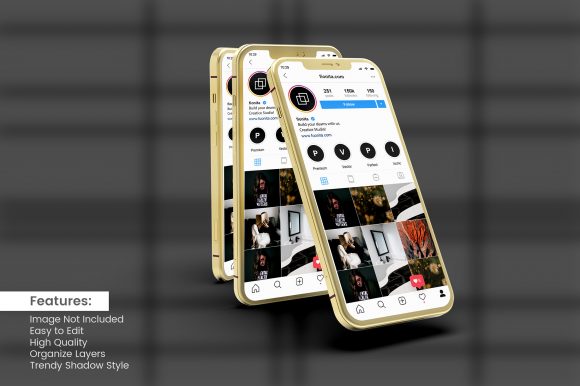
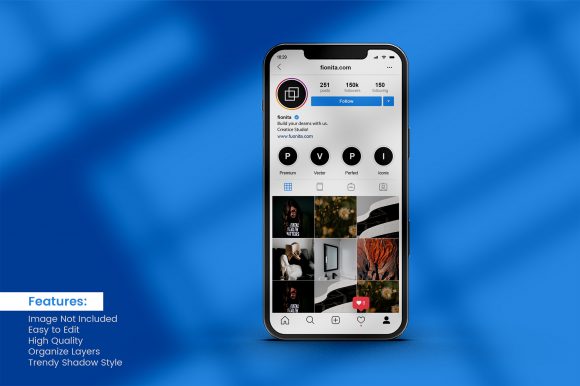
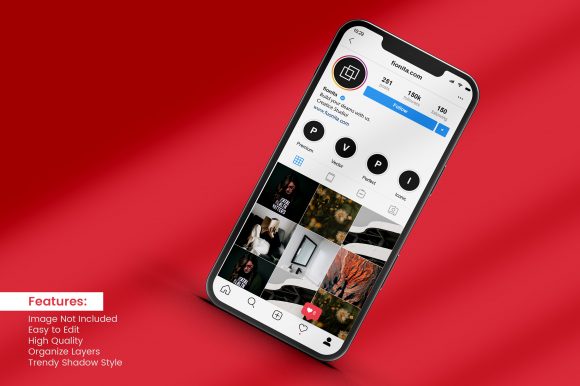
At its simplest, a smartphone mockup and social media post asset is a layered design file—commonly distributed as a Photoshop PSD, Sketch file, or Figma template—that places your screen content inside a realistic or stylized smartphone frame. The social media post portion typically refers to the accompanying caption, graphic overlay, or feed-ready arrangement that wraps around the phone image. When combined, they allow you to show both the device and the surrounding post layout together, giving viewers an accurate sense of scale, framing, and context.
What makes this pairing worth discussing is not the novelty of a phone frame but the practical efficiency it provides. Instead of photographing a physical device under controlled lighting, then compositing a screen image onto it, you work from a prebuilt template where the screen area is a smart object. You paste your screenshot, app interface, or social media design into that layer, and the mockup adjusts perspective, shadow, and reflection automatically. The result is a polished presentation in minutes rather than hours.
Layer Organization and Editing Convenience
The most reliable smartphone mockup and social media post templates share a few structural traits. Layers are clearly named and grouped. Drop shadows, highlight overlays, and background elements remain separate so you can toggle or adjust them without affecting your screen content. A well-organized file lets you change the device color, swap the background, or reposition the phone without rebuilding anything from scratch. If you open a template and immediately locate the smart object layer without hunting through dozens of unlabeled folders, that is a strong indicator of thoughtful file architecture.
Resolution and Rendering Fidelity
Resolution matters more than many users assume. A low-resolution mockup looks acceptable on a thumbnail but reveals jagged edges or blurry details when viewed on a high-DPI monitor or printed in a proposal. High-quality templates render at 300 DPI or higher, with vector-based screen areas that scale cleanly. The best ones also incorporate subtle details like anti-aliased screen curves, ambient reflections, and realistic glass highlights. These details do not shout for attention, but they create a sense of authenticity that a simple rectangle with a drop shadow cannot match.
Flexibility Across Screen Configurations
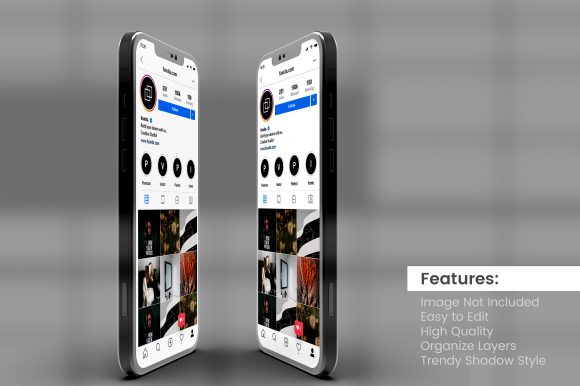
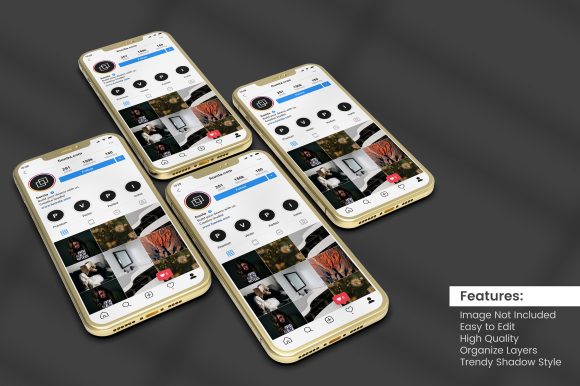
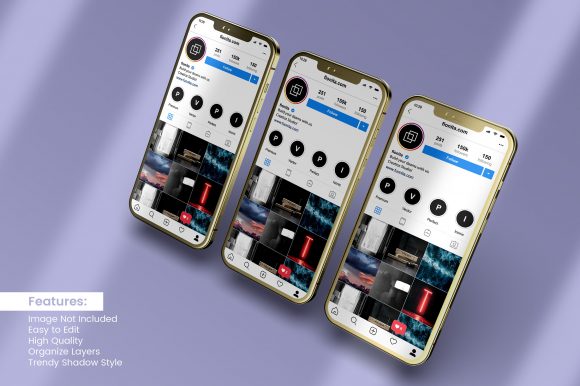
Not all social media content fits a standard vertical phone orientation. Stories, Reels, and TikTok videos use a tall aspect ratio, while landscape images or split-screen layouts require horizontal placement. A versatile smartphone mockup and social media post file accommodates both orientations. Some templates include multiple device angles—front-facing, tilted, held in hand, or resting on a surface. The more options you have within a single download, the less time you spend hunting for a different template each time your content format changes.
Practical Value in Real-World Workflows
Evaluating any creative resource ultimately comes down to how it performs under deadline pressure and real client expectations. I have used smartphone mockup and social media post templates across campaign presentations, portfolio reviews, and social media scheduling. The primary advantage is consistency. When you present multiple social media designs inside the same mockup frame, your audience focuses on the content rather than the container. A unified presentation style signals professionalism and attention to detail.
For example, if you are pitching a month-long Instagram content calendar to a client, showing each post as a standalone square crop on a white background communicates the basic design but does little to convey how the posts look in sequence. Dropping those same designs into a smartphone mockup and social media post layout—with the phone held naturally and the post visible beneath it—creates a feed-like preview that feels closer to the actual user experience. Clients often respond more confidently when they can visualize the finished result in a realistic setting.
Another scenario involves portfolio presentation. Freelancers and agencies frequently submit case studies or Behance projects that include mobile app interfaces or social media campaigns. A flat screenshot feels incomplete. Wrapping that screenshot inside a device mockup and framing it with a brief caption or context text turns a simple image into a storytelling element. The viewer immediately understands the context: this is a mobile screen, used by a real person, in a specific channel.
Who Benefits Most from This Approach
Not every user needs a smartphone mockup and social media post file. If you produce only print materials or exclusively work in video, the utility may be limited. However, several specific roles gain measurable value from integrating this combination into their toolkit:
- Social media managers and marketers who prepare monthly content decks, client reports, or strategy presentations. A mockup turns a list of planned posts into a visual story board that stakeholders can review quickly.
- UI/UX designers showcasing mobile app screens or responsive layouts. Presenting a design inside a realistic phone frame helps non-technical viewers understand the screen boundaries and touch interaction areas.
- Freelance designers and creative agencies building portfolios or pitching proposals. Consistency across case studies and project images reflects a reliable working style.
- Bloggers, educators, and course creators who need to demonstrate an interface, app feature, or social media technique in written tutorials or slide decks. A mockup adds credibility to instructional content.
- Small business owners handling their own marketing materials. A simple template removes the need for photography or advanced rendering skills while still producing a professional-looking asset.
Quality Considerations and Possible Limitations
No resource is without trade-offs, and smartphone mockup and social media post files have limitations worth acknowledging. The most common issue is unrealistic lighting. Some templates apply a static shadow or reflection that does not align with the background you choose. If your background is brightly lit but the mockup shadow suggests a dim environment, the composite looks artificial. Checking the lighting direction before committing to a template saves later correction time.
Another limitation is device model accuracy. A mockup labeled as an iPhone 14 Pro may not match the exact bezels, camera bump, or button placement of newer models. For many applications, minor discrepancies do not matter. But if your audience pays close attention to hardware details—tech reviewers, app developers, or design-savvy clients—an outdated frame can undermine credibility. Choosing mockups from reputable sources that update their files regularly reduces this risk.
File format compatibility also matters. While PSD remains the most common format for layered mockups, not everyone uses Photoshop. Figma, Sketch, Canva, and Affinity Photo each have their own template ecosystems. If you work primarily in a non-Adobe tool, confirm that the smartphone mockup and social media post file you select offers a compatible format or at least an editable PNG overlay approach.
How to Evaluate Whether It Fits Your Needs
Before purchasing or downloading a template, consider three questions:
- How often will you use it? If you prepare social media presentations weekly, investing in a high-quality multi-angle template saves recurring effort. If you only need a mockup once a quarter, a simpler free option may suffice.
- Does the style match your brand or audience? A highly polished, glossy mockup suits a tech startup or creative agency. A more subdued, matte-finish mockup may fit a corporate or educational context. Consistency with your existing visual identity helps the mockup feel integrated rather than pasted on.
- Can you customize it without losing quality? Templates that rely on rasterized shadows or flattened backgrounds limit your options if you need to resize or recolor elements. Vector-based components and adjustable lighting give you more control without a steep learning curve.
Practical Recommendations for Getting the Most Out of the Template
Once you have selected a suitable smartphone mockup and social media post file, a few workflow habits extend its value. Maintain a dedicated folder for mockup assets organized by device orientation and background style. When you edit the smart object, keep your screen content at the recommended resolution to avoid scaling artifacts. Save a master copy of the template before making adjustments so you can revert or reuse the original setup later.
For social media posts specifically, consider whether the surrounding post caption and profile avatar add context or distract. Some templates include placeholder UI elements that need replacement. Replace them with actual branded content rather than leaving generic text. A mockup that shows a generic "username" and "caption here" undermines the authenticity you are trying to create.
Finally, test the output at different sizes. A mockup that looks excellent at 1200 pixels wide may lose its realism when scaled down to a thumbnail. If your presentation includes both large hero images and small inline previews, check how the device edges, highlights, and shadows behave at each display size. Adjusting the mockup sharpness or contrast for small views can preserve the intended effect.
A well-made smartphone mockup and social media post template does not replace creativity or strategic thinking. It does, however, remove the technical friction between having a good design and presenting it in a way that feels immediately relevant to how audiences actually encounter that content. For professionals who value clarity, consistency, and efficient presentation, it remains one of the most straightforward visual assets to add to a standard workflow. Evaluate your own needs, test a few files, and integrate the approach that supports the way you work rather than forcing your work to fit the template.