Understanding Realistic 3D Smartphone Mockups
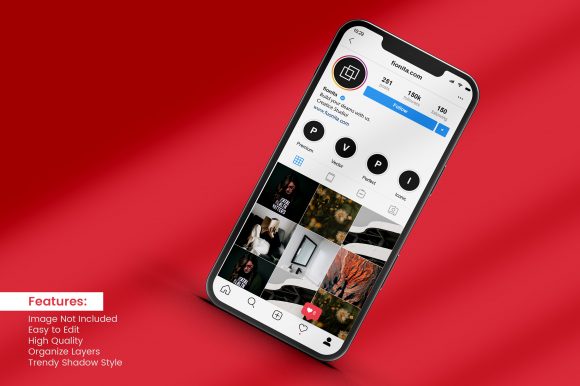
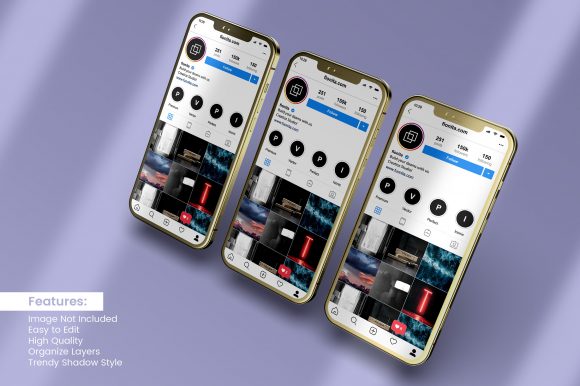
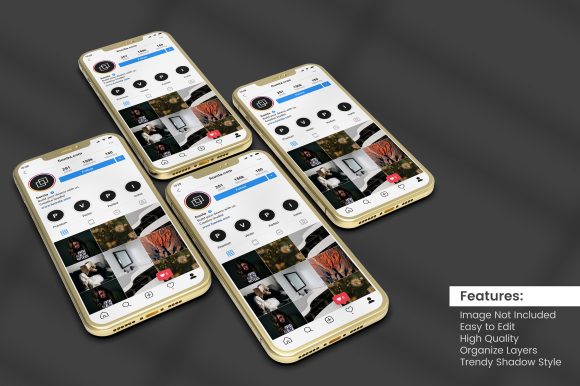
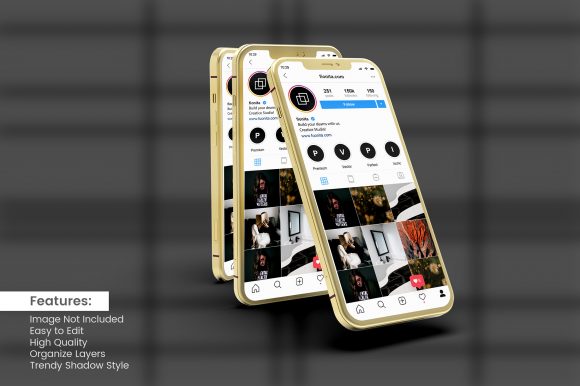
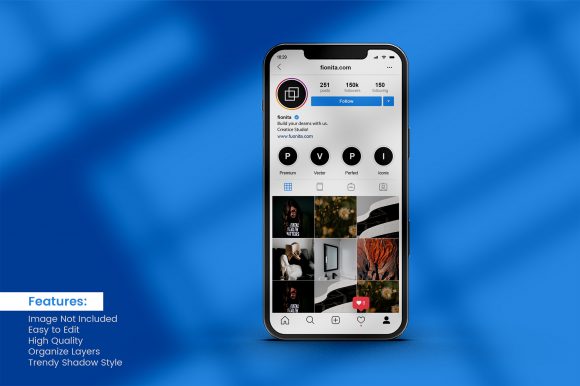
A realistic 3D smartphone mockup is a high-quality digital representation of a phone that looks as if it could be a photograph of a real device. Instead of placing your app screenshot or website design on a flat, boring canvas, you drop it into a lifelike 3D scene. The screen glows, the edges reflect light, and the device sits at a natural angle. For many, this simple shift from flat to 3D makes a huge difference in how an audience perceives a project.
These mockups are not just for professional designers. They serve anyone who needs to present digital work in a convincing, attractive way. Whether you are a freelancer pitching an app concept, a small business owner overhauling your site, or a teacher explaining mobile design to students, a realistic 3D smartphone mockup can elevate your presentation instantly. The key is understanding what you actually need from a mockup and picking the right approach for your skill level and goals.
Why the Same Mockup Matters Differently to Different People
A 3D smartphone mockup is a versatile tool, but each person’s reason for using it varies. A marketer might care most about speed and brand consistency. A beginner wants something dead simple. A veteran designer may need flexible source files they can customize down to the last shadow. Recognizing where you fall helps you choose wisely and avoid wasting time on features you will never use.
For Beginners and Hobbyists
If you are new to creating mockups, the first thing you want is ease of use. You do not want to learn complex rendering software just to show off your icon or wallpaper idea. Many realistic 3D smartphone mockups come as pre-built Photoshop or Canva templates. You simply drag your design onto a smart layer, and the mockup automatically adjusts perspective, lighting, and reflections. That is all. Some online tools even let you upload an image and choose an angle without any software installation. For a hobbyist sharing concepts on social media or a beginner testing design ideas, this approach delivers fast, impressive results with almost zero learning curve.
Another priority for beginners is cost. Many high-quality free mockups exist — just search for them on design resource sites. They may not offer as many camera angles or customization options as premium versions, but for learning or personal projects, they are perfectly adequate. If you are just exploring mobile layout ideas or want to share a personal project with friends, start free. You can upgrade later if your needs grow.
For Freelancers, Marketers, and Bloggers
When you are presenting work to clients or promoting content, realism becomes a trust factor. A flat screenshot can look amateurish. A realistic 3D smartphone mockup suggests you care about details. For a freelance UI/UX designer, using a mockup in your portfolio can show potential clients how your app looks in context. Marketers use them in landing pages to preview a mobile checkout flow. Bloggers and influencers insert them into articles or social media posts to illustrate a review or tip.
For these users, flexibility and presentation quality are paramount. You may need multiple angles: front-facing, tilted, held in a hand, or placed on a desk. You also want consistency — the same phone model but in different scenes. Some mockup packs include various backgrounds and props. A marketer running an ad campaign might need the mockup to match brand colors, so editable shadows and backgrounds are helpful. Speed also matters. If you are producing weekly content, you cannot spend hours adjusting light. Look for mockups with smart objects that update instantly.
For Small Business Owners and Entrepreneurs
If you run a business, a realistic 3D mockup can serve multiple purposes. You might use it to showcase your new mobile app on your website, include it in investor pitch decks, or create promotional images for app store listings. The commercial value of a convincing presentation is substantial. A well-placed mockup can increase click-through rates and convey professionalism. Business owners often prefer mockups that are polished and do not require extra editing. Paying for a premium mockup pack or a subscription service might be worthwhile if it saves time and ensures consistent, high-quality output across your marketing materials.
Long-term usefulness is another consideration. You want mockups you can reuse for different screenshots or updates. Some services offer a library of devices and scenes where you only swap the screen image. That means next month when you update your app design, the mockup is ready in minutes. Evaluate whether the mockup source files will be updated for new phone models, or if you will need to buy a new set each year.
For Educators and Trainers
Teaching mobile design or user experience? A realistic 3D smartphone mockup can help students grasp how a design transitions from abstract layers to a real device. Educators often need multiple mockups showing different models or orientations to illustrate responsive design. Learning value matters — you might want mockups that allow students to experiment with lighting and perspective so they understand why realism works. Some educators use mockup generators in class to quickly demonstrate concepts without getting bogged down in software. For this audience, a mix of free and affordable options works, as long as the mockup is clear and the device proportions are accurate.
For Professional Creators and Designers
Experienced designers demand quality and control. They care about the fidelity of the 3D rendering: realistic reflections, accurate screen bleed, subtle depth of field, and the correct physical dimensions of the phone. They may use mockups built for specialized software like Blender or Cinema 4D, which allow full manipulation of the scene. These users often need to match a specific brand style or create custom environments. For them, cost is secondary to reliability and flexibility. They evaluate mockup packs based on the number of angles, the ease of changing background colors, and whether the screen layer is fully editable. Some designers even create their own 3D mockups from scratch, but for most, a well-crafted template saves enormous time.
A professional may also consider the mockup’s resolution. High-resolution files (4K or above) are essential for print materials or large screen displays. If you are producing assets for a billboard or conference banner, you need scalable mockups that do not pixelate. Always check the file specs before purchasing.
Priorities When Choosing a Realistic 3D Smartphone Mockup
No matter who you are, a few common factors will guide your decision. The table below generalizes, but your own project should lead the way.
- Ease of use: Does it work with your existing tools? Drag-and-drop or smart layers reduce friction.
- Quality: Look for realistic shadows, reflections, and device details. Low-quality mockups can undermine your work.
- Flexibility: Can you change the angle, background, or phone model? Some packs include multiple scenes.
- Speed: How quickly can you produce a final image? This matters for frequent publishing.
- Cost: Free options exist, but premium mockups often offer better support and more variety.
- Long-term value: Can you reuse the mockup for future projects? Subscription services may fit if you need new devices constantly.
Your role determines which of these weigh heaviest. A blogger may prioritize speed and cost, while a design agency prioritizes quality and flexibility. A hobbyist may value ease of use above all.
Practical Examples Across Use Cases
- A freelancer uses a tilted, hand-held mockup in their portfolio to show a fitness app. They choose a template that lets them adjust the hand shadow to match their brand’s dark theme. The mockup load takes seconds, and they export a 4K image for their Behance profile.
- A small business owner needs an app store preview. They find an online mockup generator where they upload five screenshots, choose an iPhone and Android model, and download the set in under ten minutes. The result looks professional enough for their product launch page.
- A teacher shows their class how a user interface flows on a phone. They use a frontal mockup from a free pack, and students can swap out screenshots to test their own designs. The teacher focuses on contrast and readability rather than fancy angles.
- A designer producing a social media campaign downloads a PSD file with ten different phone poses. They adjust the lighting to match the campaign’s sunset mood and replace the background with a custom gradient. The mockup is indistinguishable from a real photo.
Does a Realistic 3D Smartphone Mockup Match Your Needs?
Ask yourself a few questions. What is your main goal? If it is simply to display a design clearly without distractions, a flat screenshot might suffice. But if you want to show the design in context, build trust, or create an emotional connection, a realistic 3D mockup is almost always better. Consider your audience. Will they respond better to a device in hand or a floating screen? Your skill level also guides you. If you are comfortable with Photoshop, go for layered templates. If you prefer zero editing, an online generator is your friend. Budget is another factor — if you are testing an idea, free mockups work. If you are producing commercial assets, invest in quality.
Remember that a mockup is a tool, not the final product. It should amplify your work, not overshadow it. The best mockup is the one that makes your design feel real without making the viewer think too much about the phone itself. When you find that balance, your presentation will speak for itself.
Start by searching for a few realistic 3D smartphone mockups that match your device of choice. Test one or two with your own screen content. You will quickly see whether the level of realism and ease of editing fits your workflow. From there, you can narrow down to a favorite source and keep it handy for every project that needs a polished, believable showcase.