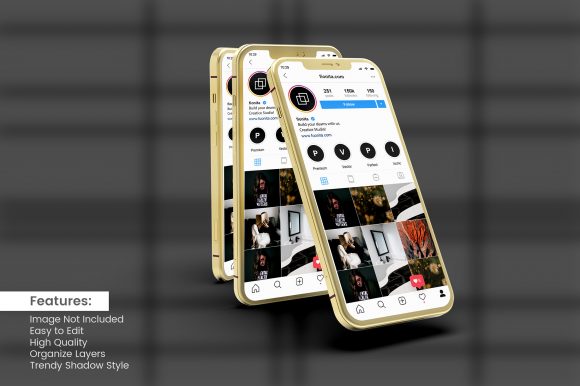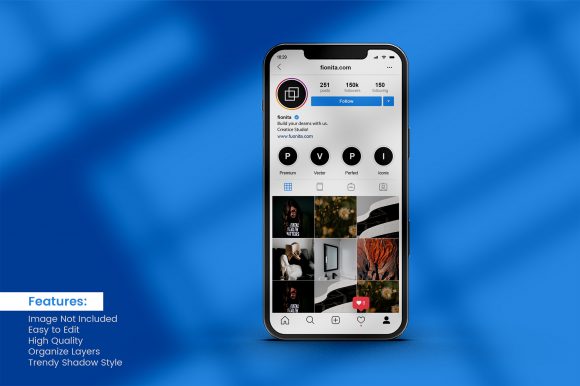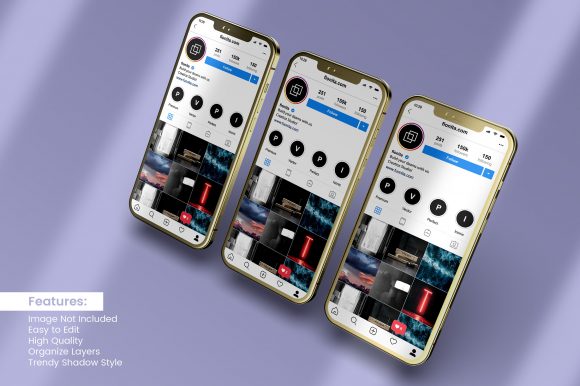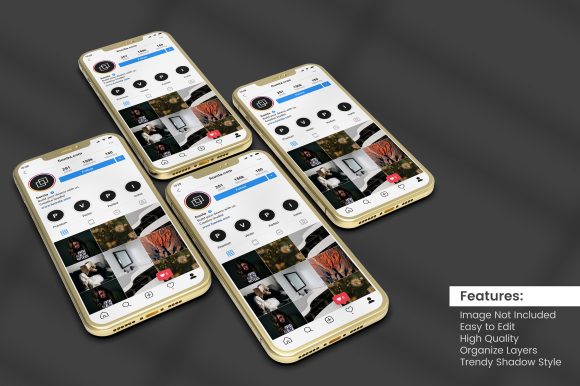
The Power of Smartphone Mockups for Instagram Stories: Crafting Authentic Visual Context
In the crowded ecosystem of social media marketing, Instagram Stories have evolved from ephemeral updates into a dominant channel for brand storytelling, product launches, and audience engagement. But presenting these Stories effectively outside the app—whether in a portfolio, a pitch deck, a website, or an ad campaign—requires more than just a screenshot. It demands the right smartphone mockup with Instagram Stories to place the content in a believable, polished context. This article takes a deep, practical look at how these mockups function, why they matter for a wide range of professionals, and what to consider when integrating them into your workflow.
What Makes a Smartphone Mockup Indispensable for Instagram Stories?
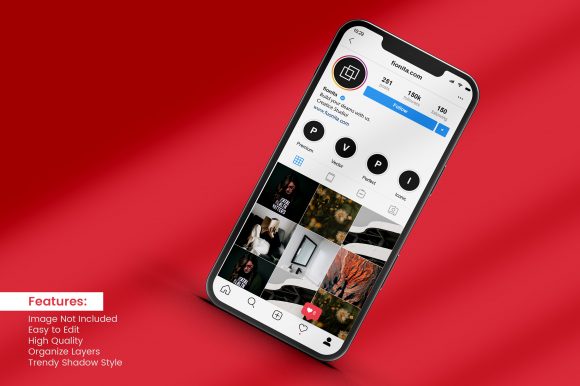
The essence of a smartphone mockup is simple: it wraps your Instagram Story content inside a realistic device frame. But the real value lies in the psychological shift it creates for the viewer. A raw Story screenshot appears flat and disconnected; the same image inside a well-crafted mockup immediately communicates “this is how a real user or brand would see it on their phone.” That subtle cue builds credibility and aids comprehension.
Instagram Stories themselves are defined by a vertical 9:16 aspect ratio, interactive stickers, swipe-up links, and a fleeting nature that drives urgency. When you embed that content inside a mockup, you are effectively preserving the intended visual hierarchy and user experience. The mockup acts as a visual anchor—it tells the audience that what they are looking at is not a static design but a piece of a dynamic, mobile-first interface.
Key characteristics that make a good smartphone mockup for this purpose include:
- Device accuracy – The bezels, notch, and rounded corners should match a real phone (e.g., iPhone or recent Android models).
- Reflection and shadow – Subtle lighting effects lend realism and depth without distracting from the Story content.
- Customizable screen dimensions – The mockup must accommodate the exact 9:16 crop, often including the top status bar and bottom navigation elements.
- Scalability – High-resolution files (300 DPI or vector-based) ensure crisp results in print, web, or video.
Using a smartphone mockup with Instagram Stories is no longer a niche designer trick; it has become a standard practice for anyone who presents mobile-centric content in a professional setting.
Real-World Applications Across Audiences
The versatility of these mockups spans far beyond graphic design portfolios. Below are specific use cases for different groups, each benefiting from the contextual realism the mockup provides.
Social Media Managers and Marketers
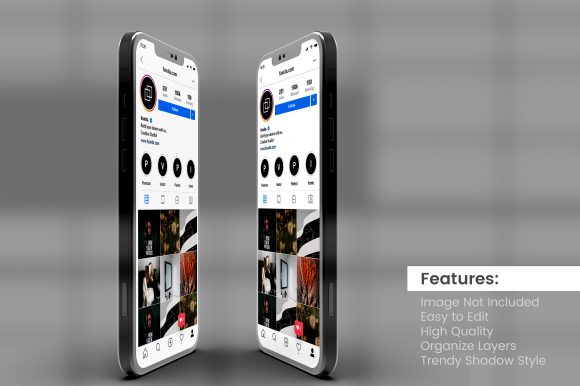
When reporting campaign performance to stakeholders, a data chart is necessary but often dry. Replacing a bullet-point summary with a screenshot of a top-performing Story placed inside a mockup immediately makes the report more engaging. It lets the viewer see the exact creative that drove conversions. Similarly, for A/B testing presentations, showing two Stories side-by-side in mirrored mockups makes direct comparison intuitive and visually balanced.
UI/UX Designers and Product Teams
Designers who prototype Instagram Story features—custom filters, interactive polls, or AR effects—need to demonstrate how these elements appear on a device. A mockup provides the necessary frame of reference. It also helps during user testing debriefs: when showing how a Story flow works, embedding each step inside a phone frame clarifies the user journey and reduces cognitive load for non-designers.
Content Creators and Influencers
Many creators use mockups in their media kits or pitch decks for brand collaborations. Showcasing past Instagram Stories inside a realistic phone frame signals professionalism. It also visually separates the creator’s own content from the device frame, making the Story stand out while proving it was actually published and not just a concept. Brands respond better to a polished media kit than to a simple link to a profile.
Educators and Course Creators
In online courses or tutorials about Instagram marketing, explaining “how to add a sticker” or “how to use the countdown feature” becomes infinitely clearer when the student sees the phone interface reproduced in a mockup. The best tutorials use a series of mockups to simulate each step, creating a micro-narrative that mirrors what the learner will do on their own phone.
Advantages of Using a Smartphone Mockup with Instagram Stories
Beyond aesthetics, there are tangible benefits that make mockups a smart choice for any visual communication strategy.
- Enhanced storytelling – The mockup acts as a stage. It focuses the viewer’s attention on the Story content while providing the necessary context that this content lives on a mobile platform. Without it, the Story might be mistaken for a static image or a web design mock.
- Improved credibility and trust – A realistic mockup signals that the content is genuine and has been published. It implies “real use” rather than “simulation.” For marketers presenting case studies, this perceived authenticity can increase stakeholder confidence.
- Brand consistency – Many mockup templates allow you to customize the device color, background, and shadows to match your brand palette. This unified look prevents the presentation or portfolio from feeling disjointed, especially when showing multiple Story examples.
- Mobile-first emphasis – In an era where most content is consumed on phones, using a smartphone mockup reinforces the idea that the brand prioritizes mobile experiences. It subtly aligns the presentation with modern user behavior.
- Versatility across formats – The same mockup can be used in slides, PDF documents, social media posts, print brochures, or embedded on a website. Some designers create animated mockups (using video or GIF) where the Story content plays inside the screen, adding an extra layer of engagement.
Considerations When Choosing and Implementing a Mockup
Not all smartphone mockups are created equal, and using the wrong one can undermine the very professionalism you aim to achieve. Here are the key factors to weigh.
Device Representation
Always choose a mockup that reflects the most common device among your target audience. If you are presenting to a client with a predominantly iPhone user base, an iPhone 14 or 15 mockup will be more relatable. For a global or Android-heavy audience, consider a Samsung Galaxy or Google Pixel model. Some designers use generic “phone” silhouettes to remain platform-agnostic, but a recognizable device often boosts authenticity.
Aspect Ratio and Status Bar Details
Instagram Stories require a 9:16 ratio. The mockup must precisely frame that area. Many templates include a status bar (battery, time, signal) and a home indicator bar. Decide whether to show these; sometimes they add realism, other times they clutter a minimal presentation. For tutorials, showing the status bar helps orient the viewer. For clean portfolio shots, a mockup that hides the UI chrome (while keeping the screen shape) might be preferable.
Shadow, Reflection, and Background
The mockup’s lighting should complement the Story content. Dark Stories (e.g., night-mode photography) look better against a lighter background with subtle drop shadows. Bright Stories (e.g., product shots with white background) benefit from a softer, colored backdrop to avoid blending in. Avoid overly dramatic reflections that draw attention away from the Story itself.
File Format and Editable Layers
For maximum flexibility, use mockups in PSD format (Photoshop) with separate smart-object layers—this allows you to drag and drop multiple Stories without redoing shadows or backgrounds. For quick use, web-based tools like Canva, Placeit, or Magic Mockups offer smartphone mockup with Instagram Stories templates that can be customized online and exported as PNG or MP4. Ensure the resolution is high enough for both digital and print (at least 1920 × 1080 for digital presentations).
Legal and Branding Boundaries
If you are using a mockup that clearly replicates an Apple or Samsung device, be aware of trademark and branding guidelines. Many commercial mockups display the brand logo (Apple, Samsung) on the device back. While this is generally accepted for illustrative use, some clients or platforms may require a generic device look to avoid endorsement implications. Check the license of the template if you plan to use it in paid advertisements.
Workflow: From Story Content to Mockup Output
The process of creating a polished mockup can be broken into a straightforward workflow that anyone can follow, regardless of design experience.
- Capture or export your Story – Save your Instagram Story as a high-quality PNG (from the app’s archive or a tool like Later). Ensure it is the exact 9:16 crop, ideally at 1080 × 1920 pixels.
- Choose your mockup template – Select a template that matches the device representation and lighting style you need. Open the template in your editing tool or web app.
- Insert the Story into the smart object – If using Photoshop, double-click the smart object layer, paste your Story image, save, and close. The mockup updates automatically. In web tools, upload the image and adjust alignment.
- Adjust background and shadows – Change the background color or gradient to match your brand. Fine-tune shadow opacity and direction so the mockup feels grounded.
- Add context (optional) – Add a caption, callout, or headline near the mockup. Keep it brief; the mockup should still be the primary visual.
- Export for your medium – Export at 2× resolution for retina displays if your presentation will be viewed on devices. For print, use CMYK if needed, though most mockups are used digitally.
This workflow can be repeated for a series of Stories to create a cohesive storyboard. Many designers use a grid of multiple mockups to show a Story sequence, which powerfully communicates the narrative arc of a campaign.
Emerging Trends and Future Directions
As augmented reality (AR) and interactive elements become more embedded in Instagram Stories, the mockup landscape is evolving. We are seeing:
- Animated mockups – Instead of a still image, the Story plays inside the phone screen when the viewer hovers or scrolls. This is especially effective for demonstrating tap-to-reveal effects or product try-ons.
- Lifestyle mockups – The phone is held by a hand, placed on a desk, or embedded in a realistic environment (e.g., a coffee shop). This adds a layer of human context that pure device-only frames lack.
- Multi-device mockups – Simultaneously showing an Instagram Story on a phone, a tablet, and a smartwatch (where Stories are mirrored) to demonstrate cross-device consistency.
- User-generated content (UGC) mockups – Brands encouraging customers to upload photos of themselves using the product, then wrapping those UGC stories in a branded mockup for social proof.
For researchers and educators, these trends mean that the smartphone mockup with Instagram Stories is no longer just a presentation tool—it is a lens through which we study mobile storytelling behavior. By controlling the device context, we can isolate the impact of the Story content itself.
Practical Advice for Long-Term Use
Whether you are a business owner creating a pitch deck, a designer building a portfolio, or a marketer preparing a client report, the key to effective mockup use is consistency and restraint. Use mockups to elevate your Stories, not to overwhelm them. Always ask: does this mockup make the Instagram Story easier to understand, or is it adding visual noise? If the answer is the latter, simplify.
Invest in a small library of two to three high-quality mockup templates that cover different devices and backgrounds. This allows you to maintain a professional look across all your projects without reinventing the wheel each time. Update your mockups when major device redesigns (e.g., new notch shapes or screen sizes) become mainstream—nothing dates a presentation faster than a phone model from three years ago.
Finally, remember that the ultimate goal of using a smartphone mockup with Instagram Stories is to bridge the gap between a mobile-native experience and your presentation medium. The mockup is a translator, not the message. By focusing on the Story content itself—its clarity, creativity, and relevance—the mockup will serve its purpose seamlessly.